Barcode logging
Barcode calorie scanner
Scan the barcode on a packaged food. Dietoria finds the product and brings up its calories and macros along with its serving options. The only question left is how much you had.
Join the waitlist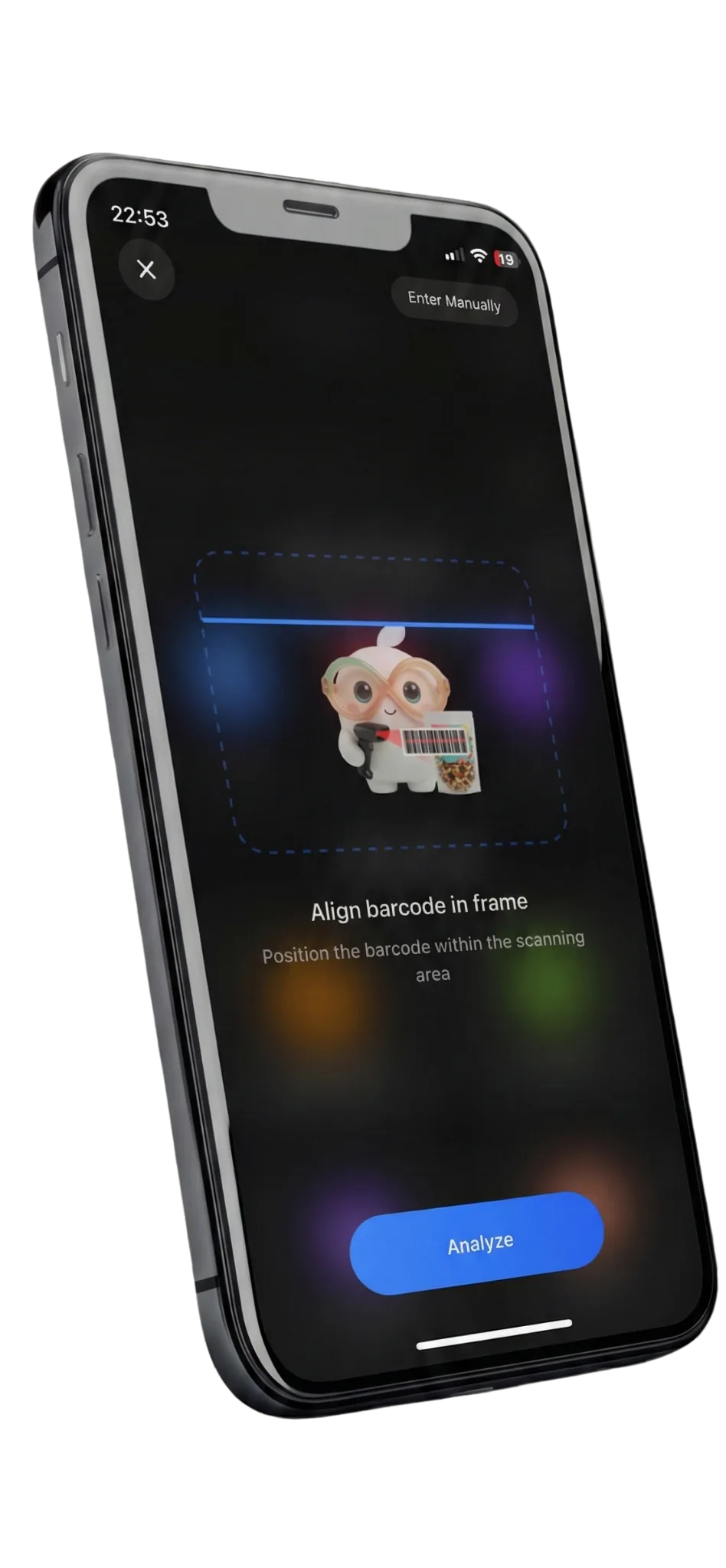
How it works
- 1
Scan the barcode
Point the camera at the barcode on the back of the pack.
- 2
See the product
The product arrives with its name and serving options.
- 3
Pick the amount, save
One serving, half a pack, a number of grams: choose and save.
The most exact way to log
Packaged food leaves nothing to guess: the barcode identifies the exact product and the nutrition figures are printed on the label. That makes scanning the most exact way to track calories. The only open question is how much you ate.
Where the product comes from
The barcode is first looked up in our verified nutrition database. If it is not there, we check Open Food Facts, an open database of products from around the world.
Open Food Facts figures are entered by volunteers from product labels. They are usually right, but when a product comes from there we suggest comparing it with the label on the pack before saving.
Frequently asked questions
Is the barcode scanner free?
Yes. Barcode scanning is available on the free plan.
What if a product is not found?
Search for it by name, or say what you ate. The figures still come from the verified database.
Are products from every country included?
Coverage depends on the databases. Many products are included, but we cannot promise every product will be found.
How reliable are the figures?
Products from the verified database rest on manufacturer data. Products from Open Food Facts are entered by volunteers; in that case we suggest checking them against the label on the pack.
When is Dietoria coming out?
Dietoria is coming soon to iOS and Android. Join the waitlist and you will get a single email on launch day.
Be the first to know.
We will send one email when Dietoria launches. No newsletter, no campaigns.
Join the waitlist